


Play videos without any compatibility problems
To be able to play multimedia files, whether audio or video, on your computer, you need some files called codecs. What? You still don't know what a codec is? Well, it's a program capable of coding or decoding digital signals. Applied to multimedia files, it's an auxiliary program used by a player to display the video and make the audio sound. These codecs are usually integrated into our multimedia players, but it may happen that due to the lack of updates or because you're trying to play some sort of format that's not very popular, that you might have problems to open the videos correctly. You can avoid these troubles if you download K-Lite Codec Pack for PC, a complete pack of codecs, DirectShow filters, and tools that will help you to play any audiovisual content without problems on your PC, whether it's a 32 or 64-bit Windows 7 or 10.
Play multimedia files without compatibility problems.
Main features
- Allows you to play the most popular video formats such as AVI, MP4, MKV, FLV, OGM, MOV, MPEG, MOV, HDMOV, TS, M2TS, and OGG.
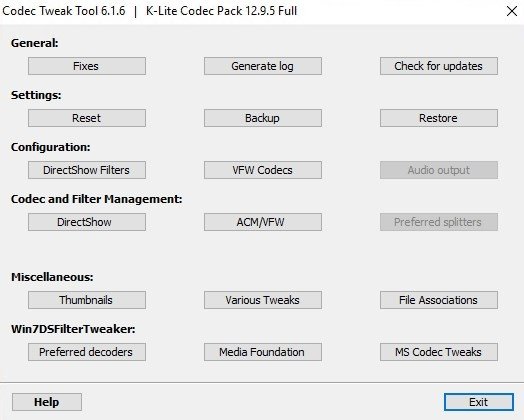
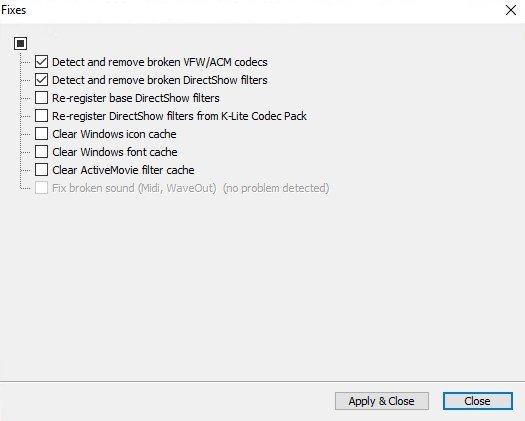
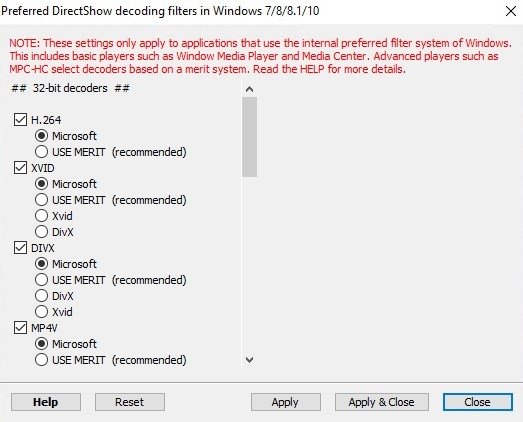
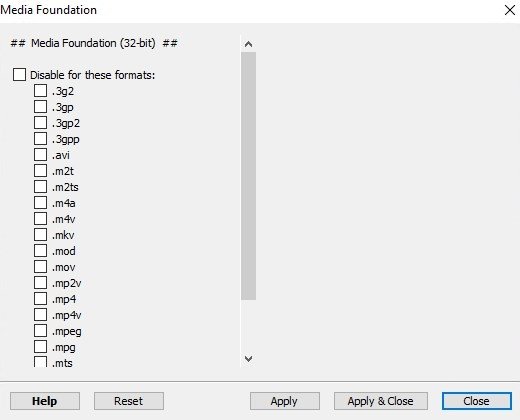
- Possibility to configure all decoders thanks to the Codec Tweak Tool.
- Links formats to programs to play those files.
- Contents carefully chosen by a team of experts.
- Compatible with the main multimedia players: Windows Media Player and Windows Media Center, Media Player Classic, ZoomPlayer, PotPlayer, GOM Player...
- Compatible with operating systems from Windows XP henceforth.
- Codecs for 32 and 64-bit systems.
- Customizable installation.
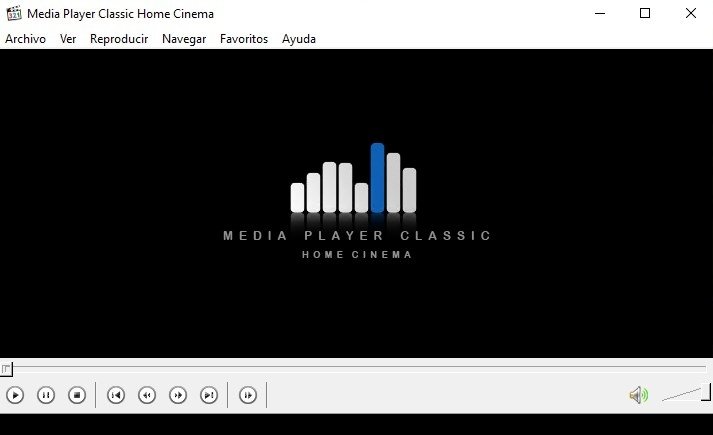
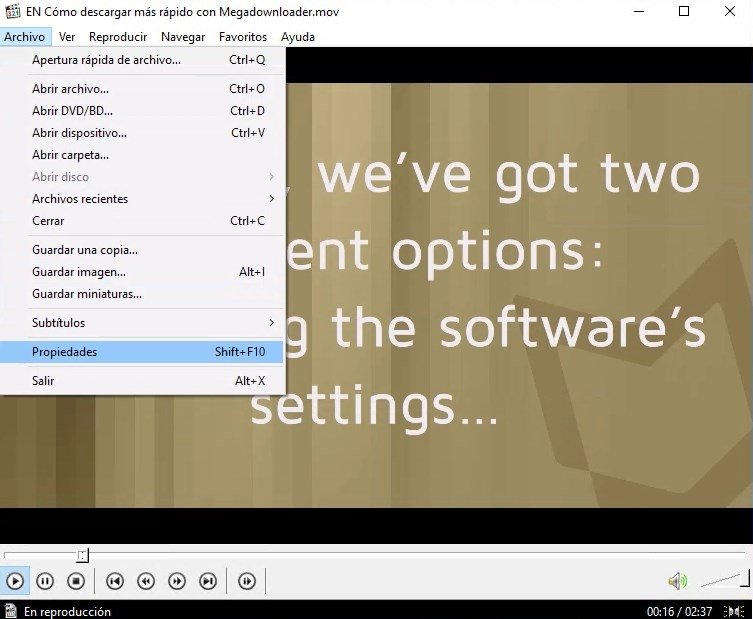
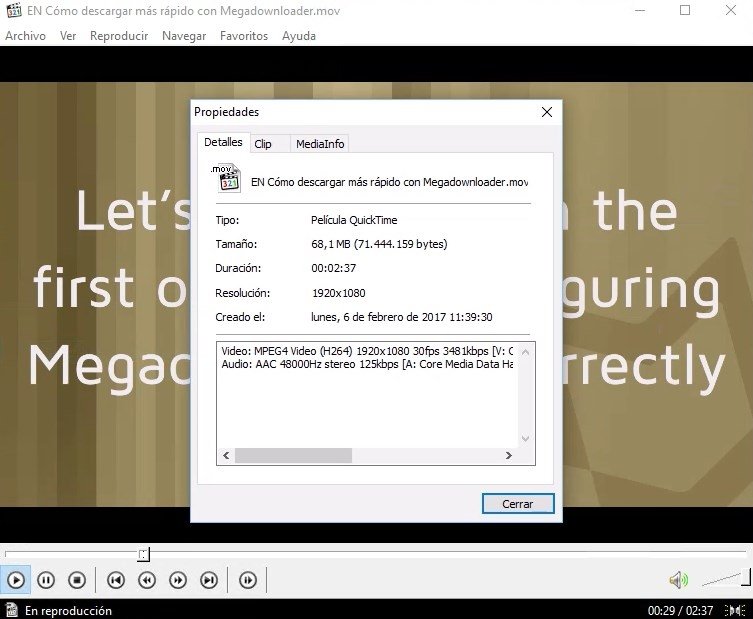
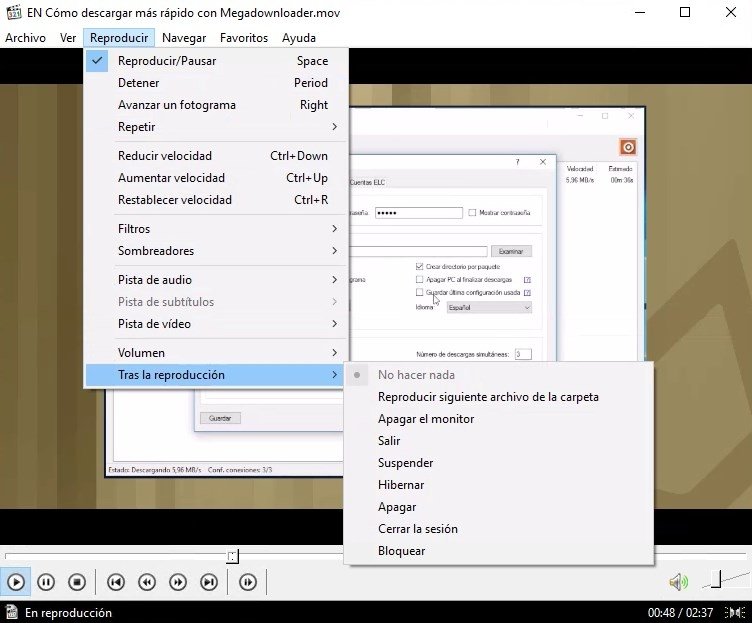
- Includes the Media Player Classic Homecinema multimedia player.
- Supports subtitles.
- Compatible with the playback of DVDs and Blu-rays.
And although it's mainly focused on playing video, if we download K-Lite Codec Pack for PC we'll also have access to a wide range of codecs to play audio files in different formats: MP3, FLAC, OGG, MPC, APE, M4A…
Which one's better? MPC-HC or VLC Player?
The truth is that there are very few programs that can stand a comparison with VLC Player. However, the media player included in K-Lite is quite a worthy rival. For such purpose, it offers quite a few different features, such as the faster loading of files, an improved support for MKV files and more options to accelerate hardware.
We're talking about the full version of this pack of codecs, but there are another three versions:
- K-Lite Codec Basic: it contains everything you need to play your usual video files. It will satisfy the needs of any user the plays common video files.
- K-Lite Standard: it contains additional functions such as the built-in MPC player.
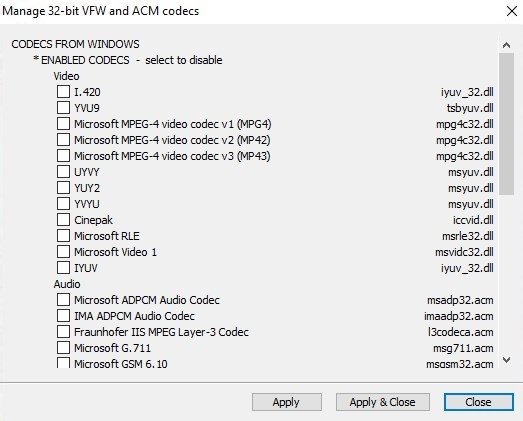
- K-Lite Mega: it's the most powerful and complete version. It offers us all the features of the full version but also comes along with VFW/ACM codecs for video coding and editing.
So, which one's better? Mega or Full? Easy: they're both great codec packs, but unless you're going to encode and edit video, you won't know how to make the most of all the features of the Mega version.
What about a version for Android smartphones and tablets?
The guys at K-Lite haven't released any official APK for Android mobile devices. There are other apps that have made the most of its name and popularity to publish codec packs on Google Play, but they don't belong to this developer.
What's new in the latest version
- Updates MPC-HC to version 1.9.22.0.
- Updates MPC Video Renderer to version 0.6.0.1912.
- Updates MediaInfo Lite to version 22.06.
- Updates Icaros to version 3.3.0 b3.
 Elies Guzmán
With a degree in History, and later, in Documentation, I have over a decade of experience testing and writing about apps: reviews, guides, articles, news, tricks, and more. They have been countless, especially on Android, an operating system...

Antony Peel